

Canon PIXMA TS9150 Printer Driver Download for Windows 11,10,8.1,7 (64bit, 32bit)
TS9100 series MP Drivers, TS9100 series Full Driver & Software Package and XPS Driver for (Windows)

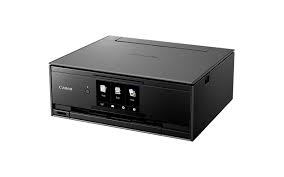
Canon PIXMA TS9150 Printer Driver for Windows
Operating systems: Windows 11, Windows 10(64bit), Windows 10(32bit), Windows 8.1(64bit), Windows 8.1(32bit), Windows 7(64bit), Windows 7(32bit)
| Driver Name | Version | Release date | File Size | Compatible Systems | Download Link |
| TS9100 series MP Drivers | 1.03 | 18 February 2026 | 102 MB | Windows 10, 10×64, 8.1, 8.1×64, 7, 7×64 | Download |
| TS9100 series XPS Printer Driver | 6.10c | 23 June 2025 | 41 MB | Windows 10, 10×64, 8.1, 8.1×64, 7, 7×64 | Download |
| TS9100 series Full Driver & Software Package | 1.1 | 26 September 2017 | 18.01 MB | Windows 10, 10×64, 8.1, 8.1×64, 7, 7×64 | Download |
TS9100 series MP Drivers: This driver will provide full printing and scanning functionality for your product.
Download / Installation Procedures
- Download the file. For the location where the file is saved, check the computer settings.
- Double-click the downloaded EXE file to decompress it, then installation will start automatically.
Note:
A message may be displayed during the installation depending on the OS you are using, but continue the installation.
TS9100 series Full Driver & Software Package: This file will download and install the drivers, application or manual you need to set up the full functionality of your product.