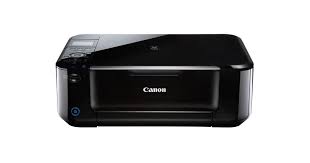
Canon PIXMA MG5460 Printer Driver Download for MAC OS X 10.14, 10.13, v10.12.1, v10.11, v10.10, v10.9, v10.8.5, v10.7.5
MG5400 series CUPS Printer Driver & MG5400 series Scanner Driver

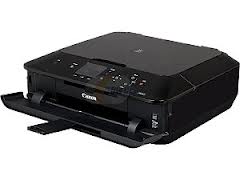
Canon PIXMA MG5460 Printer Driver Download for MAC
Operating Systems: MacOS X Mojave 10.14, macOS High Sierra 10.13, macOS Sierra v10.12.1 or later, OS X El Capitan v10.11, OS X Yosemite v10.10, OS X Mavericks v10.9, OS X Mountain Lion v10.8.5, OS X Lion v10.7.5
| Driver Name | Version | Release date | File Size | Operating systems | Download Link |
| MG5400 series CUPS Printer Driver | 16.20.0.0a | 09.09.21 | 15.4 MB | macOS 10.14, 10.13, v10.12.1, v10.11, v10.10, v10.9, v10.8.5, v10.7.5 | Download |
| MG5400 series Scanner Driver | 19.0.0h | 09.02.18 | 27.1 MB | macOS 10.14, 10.13 | Download |
MG5400 series CUPS Printer Driver: This file is a printer driver for Canon IJ printers.
Download – Installation Procedures
1. Download the file. For the location where the file is saved, check the computer settings.
2. Double-click the downloaded file and mount it on the Disk Image.
3. Double-click the mounted Disk Image.
4. Double-click the packaged file in the folder. Installation starts automatically.
MG5400 series Scanner Driver: This file is a TWAIN-compliant scanner driver for Canon color image scanner.
Canon Pixma MG5460 Driver Download for Windows
| Driver Name | Version | Post date | File Size | Operating systems | Download Link |
| MG5400 series MP Drivers | 1.01 | 07.22.2015 | 18.76 MB | Windows 10/10 x64-8.1/8.1 x64-8/8 x64-7/7 x64-Vista/Vista64 | Download |