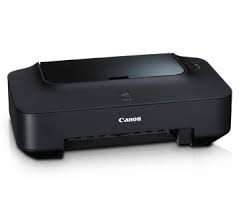
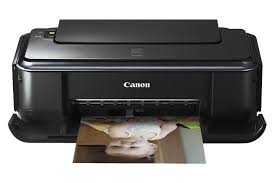
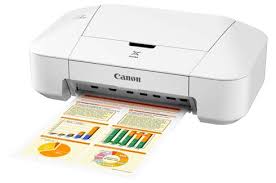
USB 2.0 high-speed interface 4800 x 1200 maximum color dpi resolution. Prints photo lab quality from 4 x 6-inch to 8.5 x 11-inch. Prints very beautiful, borderless photos in approximately 55 seconds Pigment black ink for crisp, sharp, text and dye ink for smooth, natural photo.
Canon PIXMA iP2870 Colour Inkjet Printer Driver and Software for Windows 11/10/8.1/8/7/Vista/XP (32bit-64bit)
iP2800 series Printer Driver-iP2800 series Full Driver & Software Package-Pixma iP2800 series XPS Printer Driver for Microsoft Windows
Canon PIXMA iP2870 Colour Inkjet Printer
Canon PIXMA iP2870 Printer Driver for Windows
Compatibility Systems: Windows 11, Windows 10 (32bit), 10 (64bit), Windows 8.1 (32bit), 8.1 (64bit), Windows 8 (32bit), 8 (64bit), Windows 7 (32bit), 7 (64bit), Vista (32bit), Vista (64bit),XP
Driver Name
Version
Release date
File Size
Operating systems
Download Link
iP2800 series Printer Driver
2.75
Oct 15, 2021
12.55 MB
Windows 11 – Windows10-10×64 – Windows 8.1-8.1×64 – Windows 8-8×64 – Windows 7-7×64 – Vista- Vistax64-XP
iP2800 series Printer Driver: This file is a driver for Canon IJ printers.
Setup
Click the link, select [ Save ], specify “Save As”, then click [ Save ] to download the file. Memo : If you select [ Run ] ( or [ Open ] ) instead of [ Save ], the file will be automatically installed after it is saved.
The downloaded file will be saved in the specified place in the self-extracting form ( .exe format ).
Double-click the downloaded EXE file to decompress it, then installation will start automatically.