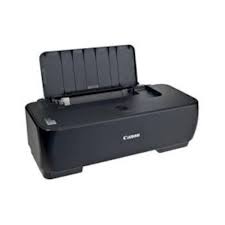
Download Canon Pixma IP 1900 Printer Driver for MAC OS X 10.10-10.9-10.8-10.7
iP1900 series CUPS Printer Driver MAC
Printer Canon Pixma IP1900
Canon Pixma IP1900 Driver for Mac
Version. 11.7.1.0a File name: mcpd-mac-ip1900-11_7_1_0-ea17_2.dmg Release date: 5 September, 2017 Operating systems: OS X 10.10 (Yosemite), OS X 10.9 (Mavericks), OS X 10.8 (Mountain Lion), Mac OS X 10.7 (Lion) Download Size: 16.33MB
Canon Pixma IP1900 Driver for Windows
Version : 2.20 Post date:16 Oct, 2013 Name : ip1900svst64220ea24.exe Compatibility Systems: Windows 8.1 (64 bit), Windows 8 (64 bit), Vista (64 bit) Download Size : 10.89 MB
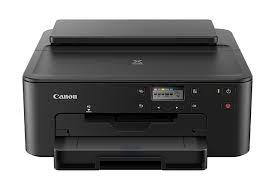
TS700 series Software Package: This file will download and install all the software you need to utilise the full functionality of your product.
Download / Installation
Download the file. For the location where the file is saved, check the computer settings.
Double-click the downloaded file and mount it on the Disk Image.
Double-click the mounted Disk Image.
Double-click the “Setup” file to launch the setup screen. By following the instructions on the screen, install the software and do the connection settings for your product.
Canon PIXMA TS702 Driver for Windows
Version : 1.1 File name : win-ts700-1_1-n_mcd.exe Post Date: 29 Mar, 22 Compatible Systems: Windows 11- Windows 10 (x64)- Windows 10- Windows 8.1 (x64)- Windows 8.1- Windows 7 (64bit)- Windows 7 Download Size : 21.8MB