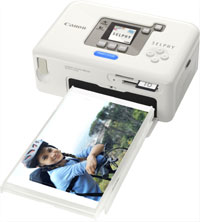
SELPHY CP720 Printer Driver v4.0 for Microsoft Windows
Canon Selphy CP720 Compact Photo Printer
Details
Canon SELPHY CP720 Printer Driver v4.0 for Windows 7 64bit is a printer driver dedicated to Canon Compact Photo Printer SELPHY. With this driver installed on your computer, you can print photos from your SELPHY with a variety of application software.
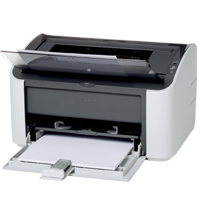
Download Canon i-SENSYS LBP2900 Printer Driver for Linux 32bit-64bit
CAPT Printer Driver for Linux Version 2.71
Printer Canon i-SENSYS LBP2900
Description: Thank you for using the Canon CAPT Printer Driver for Linux. This CAPT printer driver provides printing functions for Canon LBP printers operating under the CUPS environment, a printing system that functions on Linux operating systems.
Canon i-SENSYS LBP2900 Printer Driver for Linux
Compatible Systems: Linux (32-bit), Linux (64-bit)
Canon i-SENSYS LBP2900 Driver Description for Linux
Customers are also advised to download the Auto Shutdown Tool from the web site. Installing the Auto Shutdown Tool allows the settings for the auto shutdown function to be configured for this product.
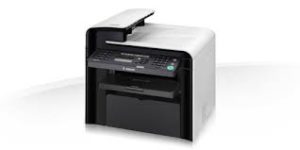
Canon ImageCLASS MF4570dn Driver Description for Windows
If you cannot scan over a network or with a USB connection in Windows 10/Windows 8.1/Windows 8, install the MF driver, restart (not shut down) your PC, and then install the following program. [Windows 64-bit] Patch for Network Scan, USB Scan (Windows 8/8.1/10)
Driver Version : UFR II Printer Driver – V20.31, Fax Driver – V8.31, ScanGear – V11.3
-Precaution When Using a USB Connection
Disconnect the USB cable that connects the device and computer before installing the driver. Connect the USB cable after installing the driver. Drivers and applications are compressed.
Click on the file link.
-When clicking [Run] on the file download screen (file is not saved to disk)
1. If the User Account Control prompt is displayed, click [Yes], and then click [Run] on the subsequent Security Alert screen. 2. The Setup Wizard will start. 3. After the Setup Wizard has started, follow the instructions on the screen to perform installation.